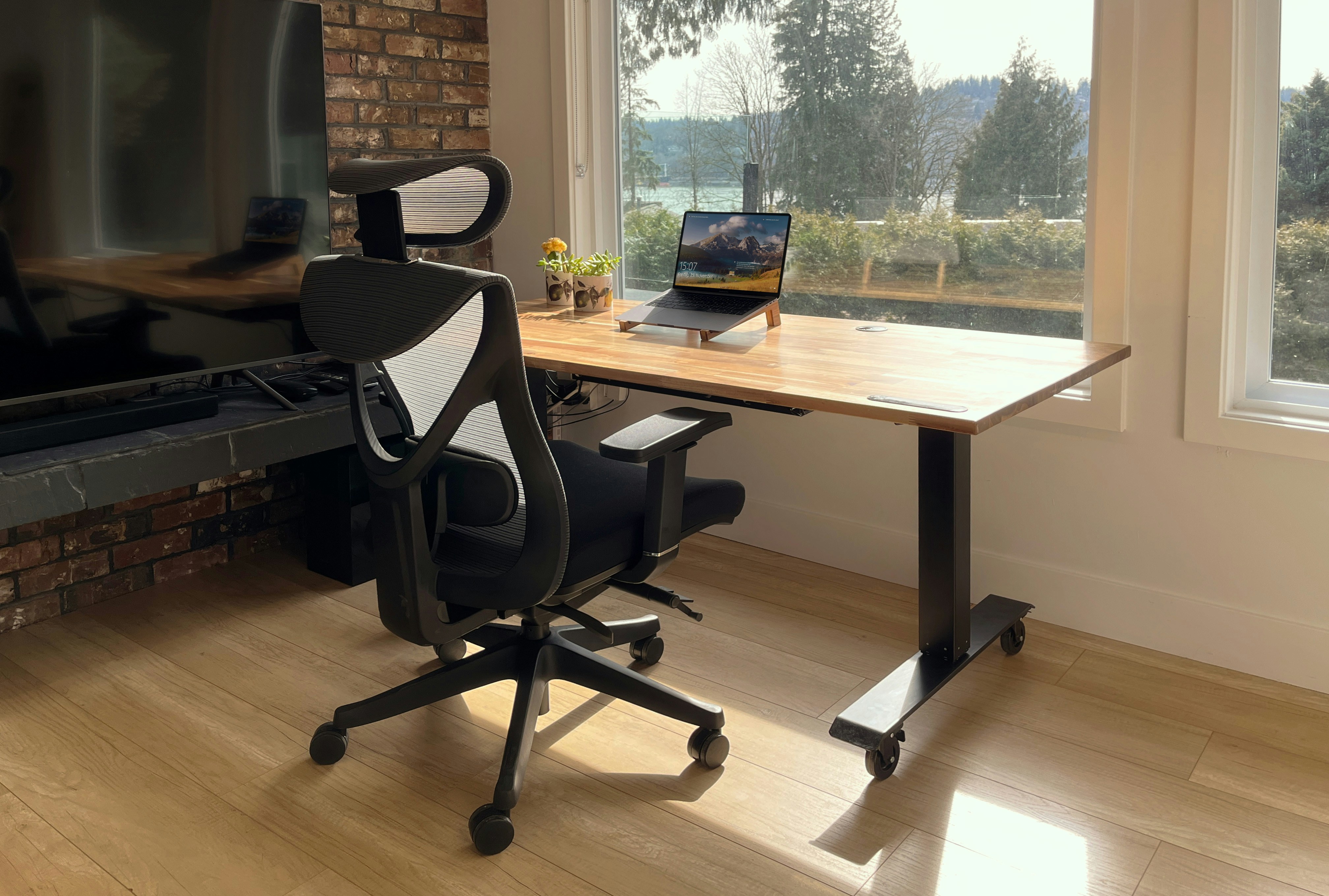
Best Office Chairs Under $200
Discover the top 10 ergonomic office chairs that won't destroy your budget. I've tested over 50 chairs to find the perfect balance of comfort, durability, and affordability.
Reduce eye strain, boost productivity, and look better on camera - Updated January 2025
Poor lighting causes headaches, eye strain, and makes you look unprofessional on video calls. After consulting with optometrists and testing 28 lighting setups, I've created the definitive guide to home office lighting that actually works.
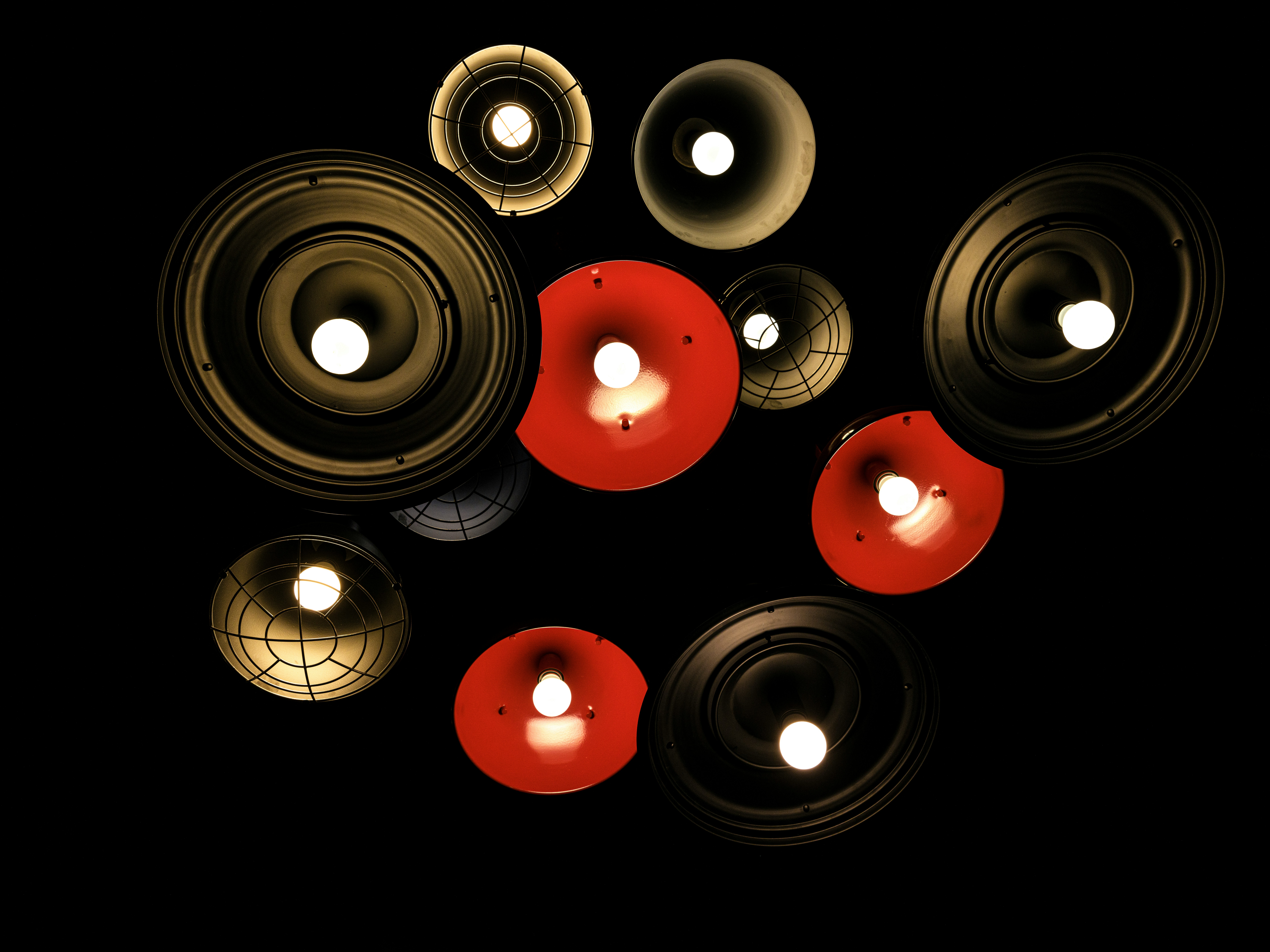
Professional offices use three layers of light. Most home offices use one - usually the wrong one. Here's how to fix yours:
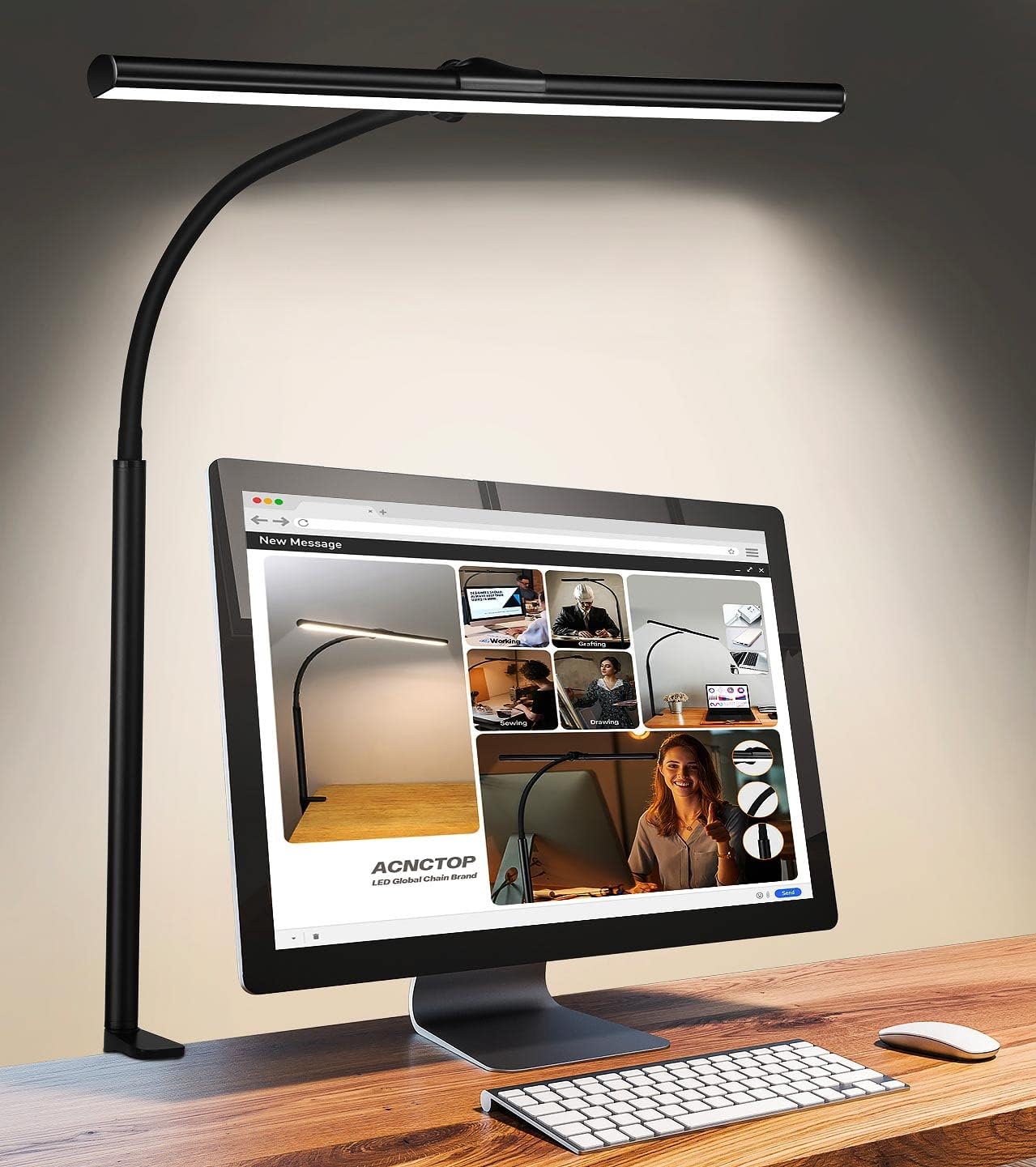
This is the general light that fills the room. It should be soft, diffuse, and eliminate harsh shadows.
Ideal Solution: LED Ceiling Light - $40
Top Pick: Philips Hue White Ambiance - $45 (smart bulb that adjusts color temperature)
What to Look For:
Amazon Basics LED Bulb - $12 for 6-pack
800 lumens, 5000K daylight, works with any fixture
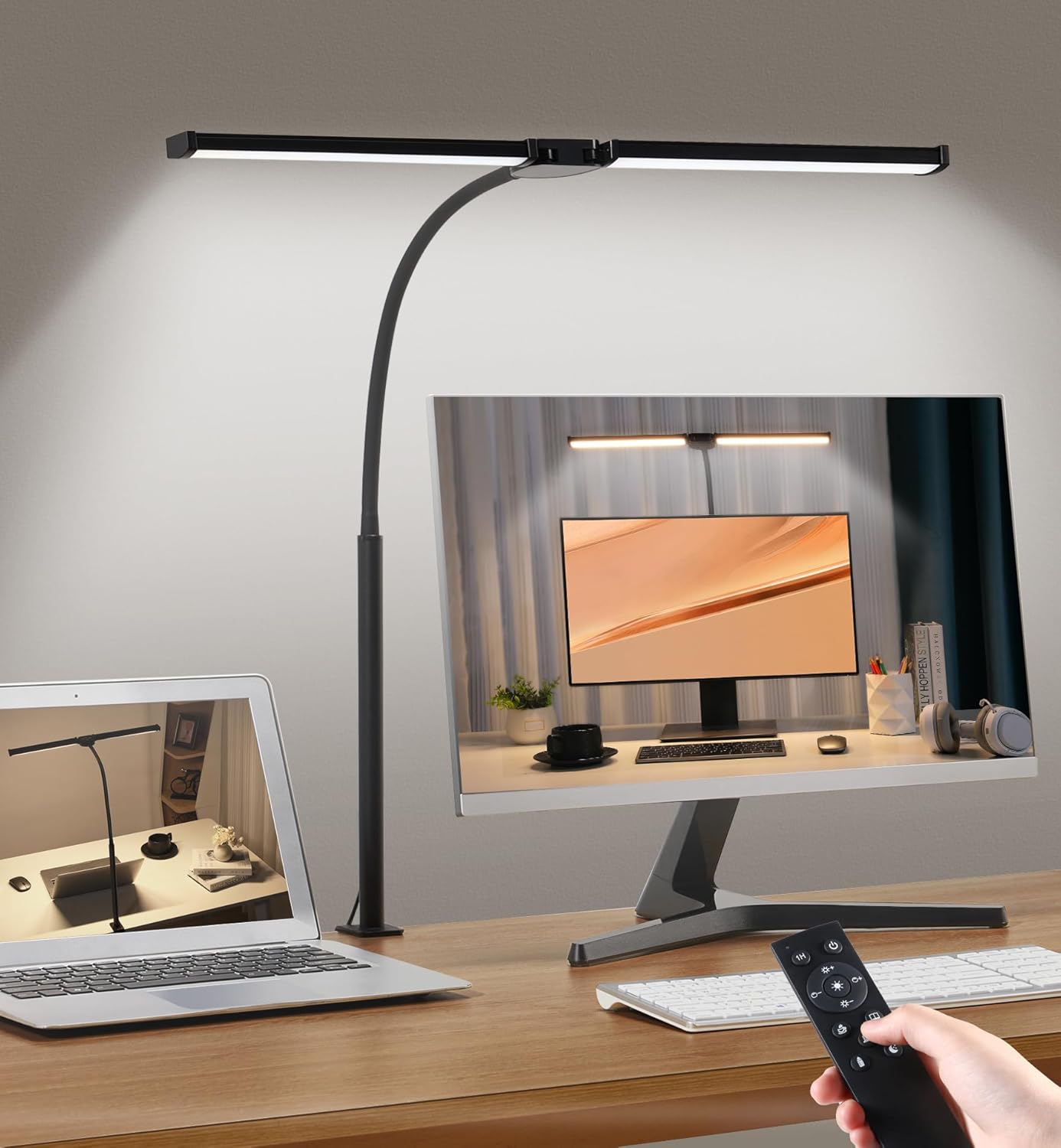
This is the most important light for reducing eye strain. It illuminates your immediate work area without glare on screens.
Top Pick: BenQ e-Reading LED Desk Lamp - $99
Yes, it's expensive. But it's the only lamp optometrists consistently recommend. The light is perfectly even across your entire desk with zero glare.
Why It's Worth It:
YOUKOYI LED Desk Lamp - $34
4 color modes, 5 brightness modes, touch controls, USB charging port. 85% as good for 1/3 the price.
This light makes you look better on camera and adds depth to your space.
Top Pick: Lume Cube Video Conference Lighting - $70
Mounts on your monitor and provides perfect, flattering light for video calls. Eliminates shadows and makes you look professional.
Why You Need This:
| Temperature | Best For | Time of Day |
|---|---|---|
| 2700K-3000K (Warm White) | Relaxation, reading | Evening |
| 3500K-4500K (Cool White) | General office work | Daytime |
| 5000K-6500K (Daylight) | Detailed tasks, alertness | Morning |
Pro Tip: Download a free light meter app on your phone to measure your current lighting conditions.
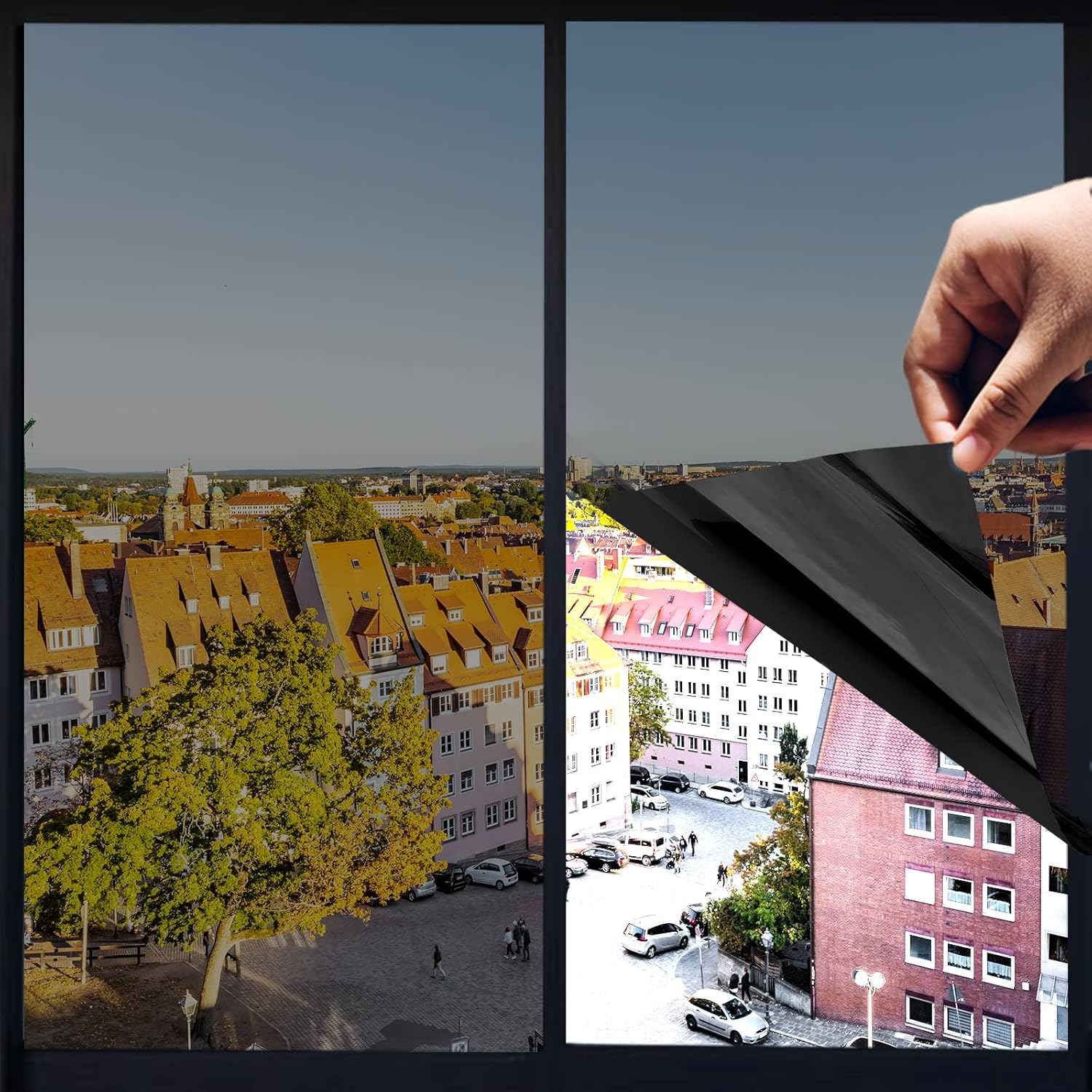
Ideal: Window to your side (left or right)
Acceptable: Window behind you
Problematic: Window behind your monitor (causes glare)
Worst: Window directly in front of you (squinting)
Top Pick: Light Filtering Shades - $50-100
These diffuse harsh direct sunlight while still allowing natural light. Look for cellular shades that provide insulation as well.
Software Solution: Use f.lux or Windows Night Light to reduce blue light in evenings
Hardware Solution: Blue light blocking glasses - $25-50
| Component | Product | Price |
|---|---|---|
| Ambient Light | Amazon Basics LED Bulbs (4-pack) | $12 |
| Task Light | TaoTronics LED Desk Lamp | $36 |
| Accent Light | Simple LED Strip Behind Monitor | $15 |
| Blue Light | f.lux (free software) | $0 |
| Window Treatment | Basic Light Filtering Shade | $22 |
| Component | Product | Price |
|---|---|---|
| Ambient Light | Philips Hue White Ambiance | $45 |
| Task Light | BenQ e-Reading Lamp | $99 |
| Accent Light | Lume Cube Video Light | $70 |
| Blue Light | Gunnar Blue Light Glasses | $50 |
| Window Treatment | Custom Cellular Shades | $100+ |
Symptoms include: headaches after 2+ hours of work, difficulty focusing, dry or watery eyes, needing to squint, or frequently changing screen brightness. If you experience these, your lighting needs improvement.
For home office use, absolutely. Being able to adjust color temperature throughout the day (warmer in evening, cooler in morning) significantly reduces eye strain and improves sleep quality.
Using overhead lighting as your only light source. This creates shadows on your work surface and causes you to squint. Always add task lighting specifically for your desk area.
Very important if you work with color-sensitive tasks (design, photo editing). Look for CRI 90+. For general office work, CRI 80+ is acceptable.
Discover the top 10 ergonomic office chairs that won't destroy your budget. I've tested over 50 chairs to find the perfect balance of comfort, durability, and affordability.
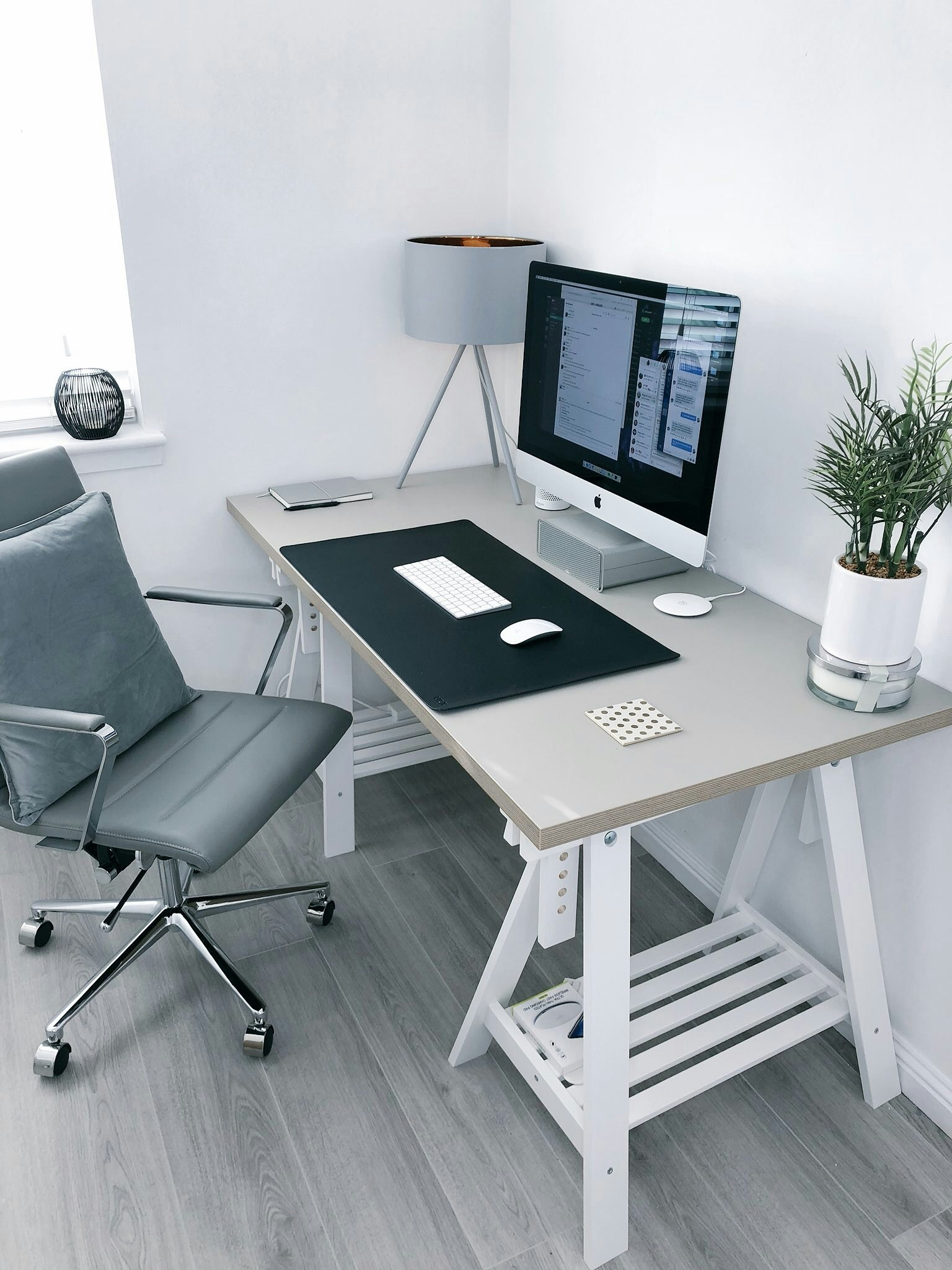
Transform any space into a productivity powerhouse. Complete guide to choosing the right desk, monitor setup, and accessories for maximum efficiency.
Proper lighting can make or break your workday. Learn the science behind productive lighting and get my exact recommendations for every budget.
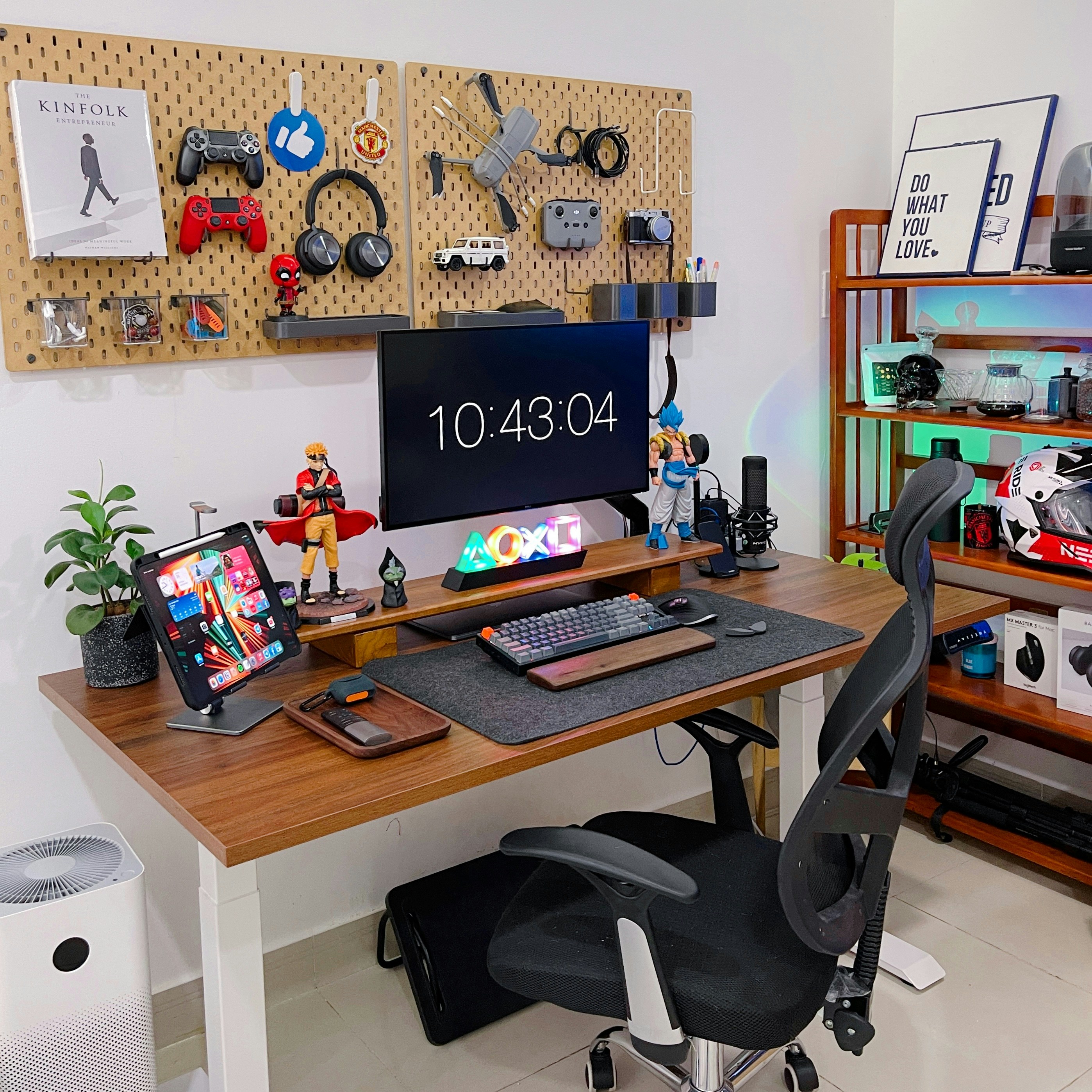
Living in a studio or sharing space? I'll show you how to create a professional office setup in just 25 square feet without compromising on functionality.
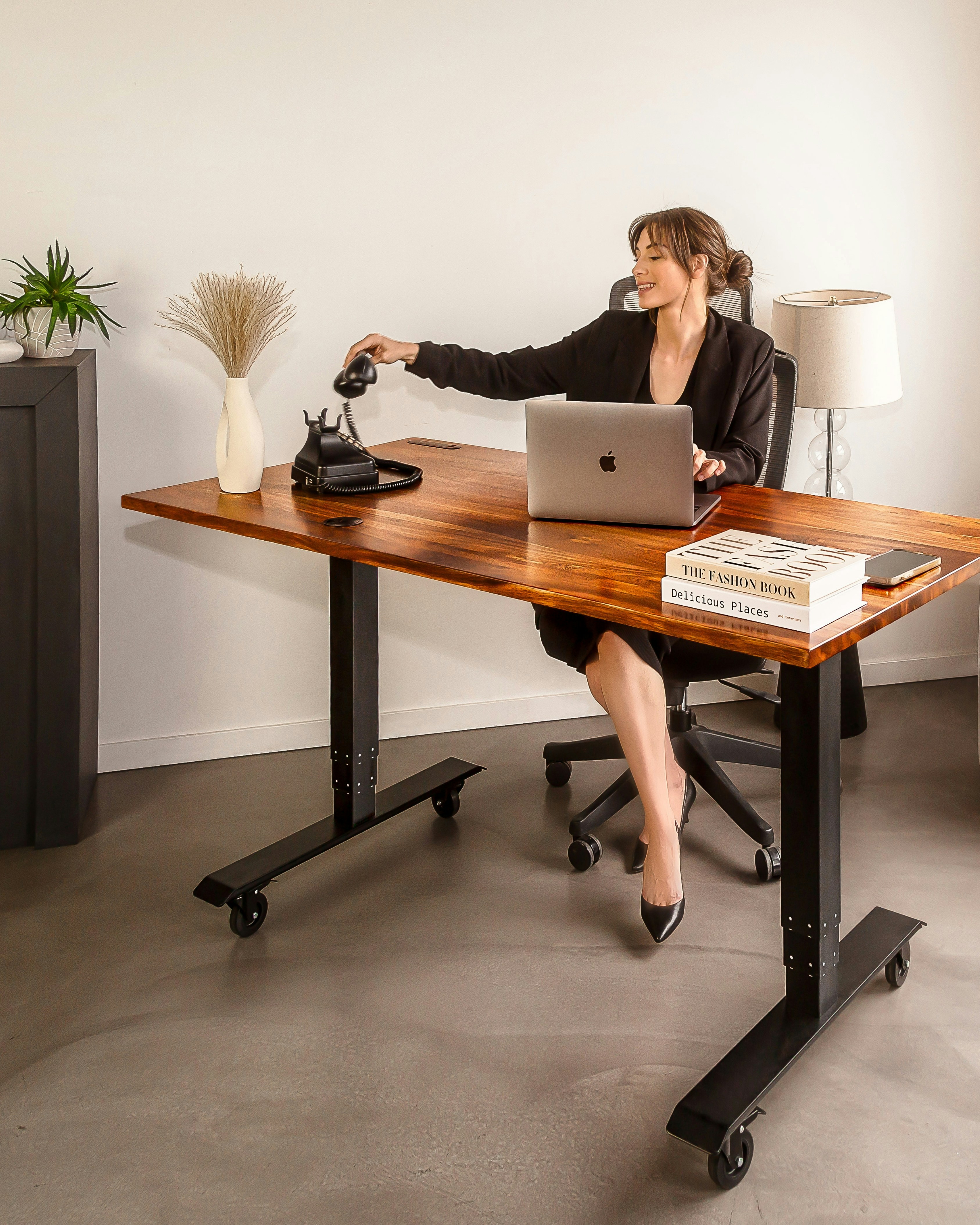
Poor ergonomics cost you thousands in medical bills and lost productivity. Learn the exact positioning and equipment that keeps your body healthy during long work days.
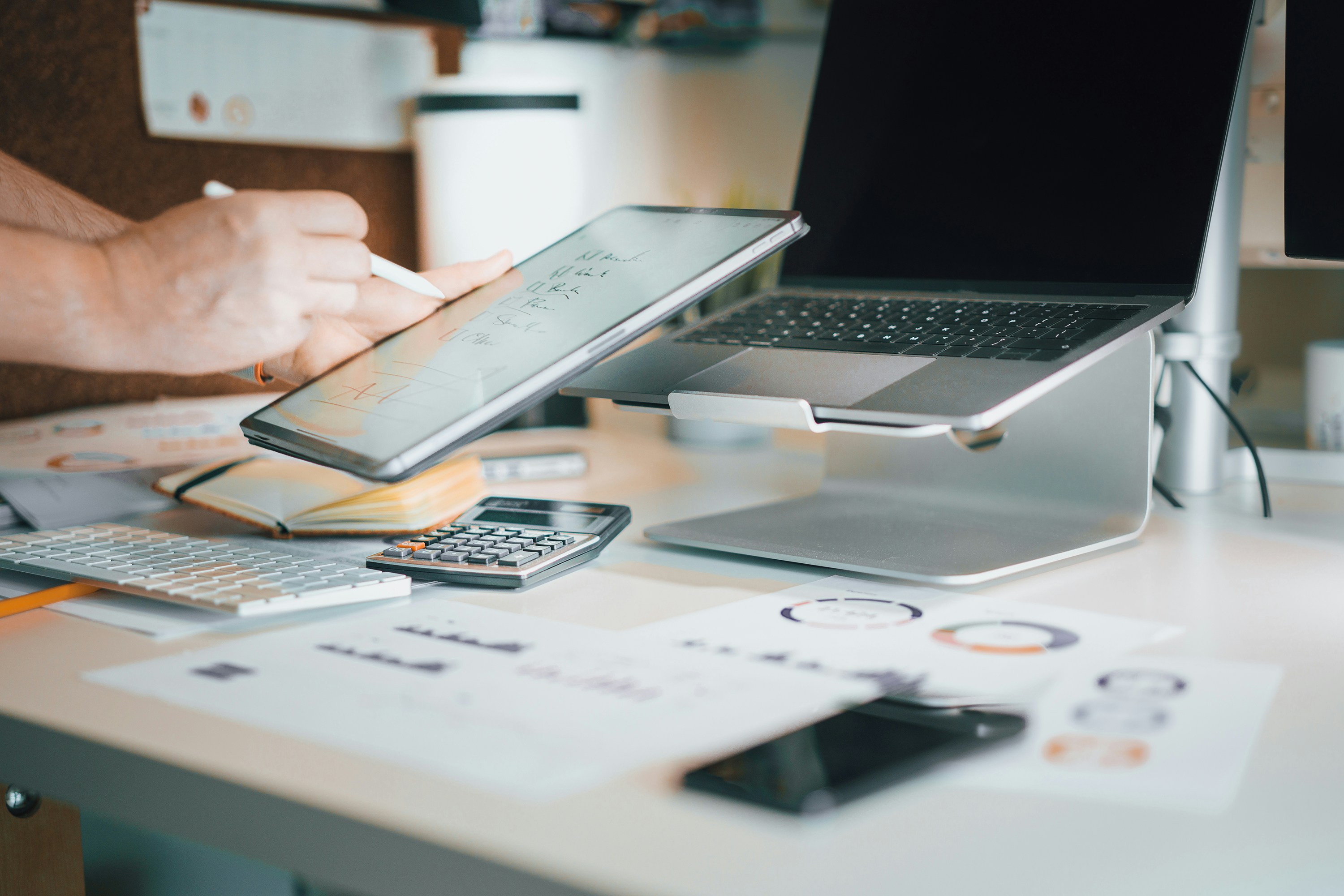
Not sure how much to spend on each component? Use my interactive calculator to optimize your budget allocation and get the most value for your money.
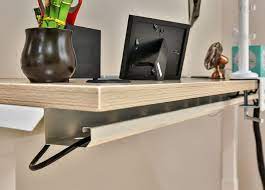
Everything you need for a professional home office: desk, chair, lighting, and accessories for under $500.
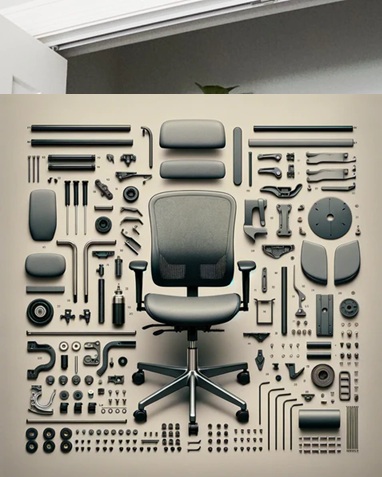
Top 10 ergonomic office chairs under $200 that actually support your back during long work days.
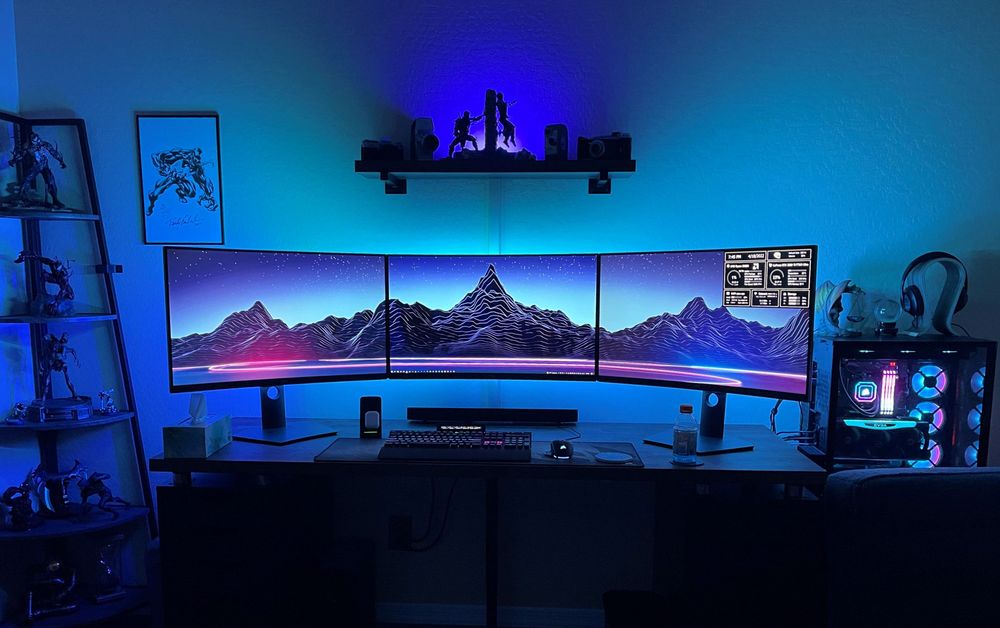
Create a productive workspace in tiny apartments, bedrooms, or shared spaces with these space-saving solutions.
Get my complete home office setup checklist, budget calculator, and exclusive deals delivered to your inbox.